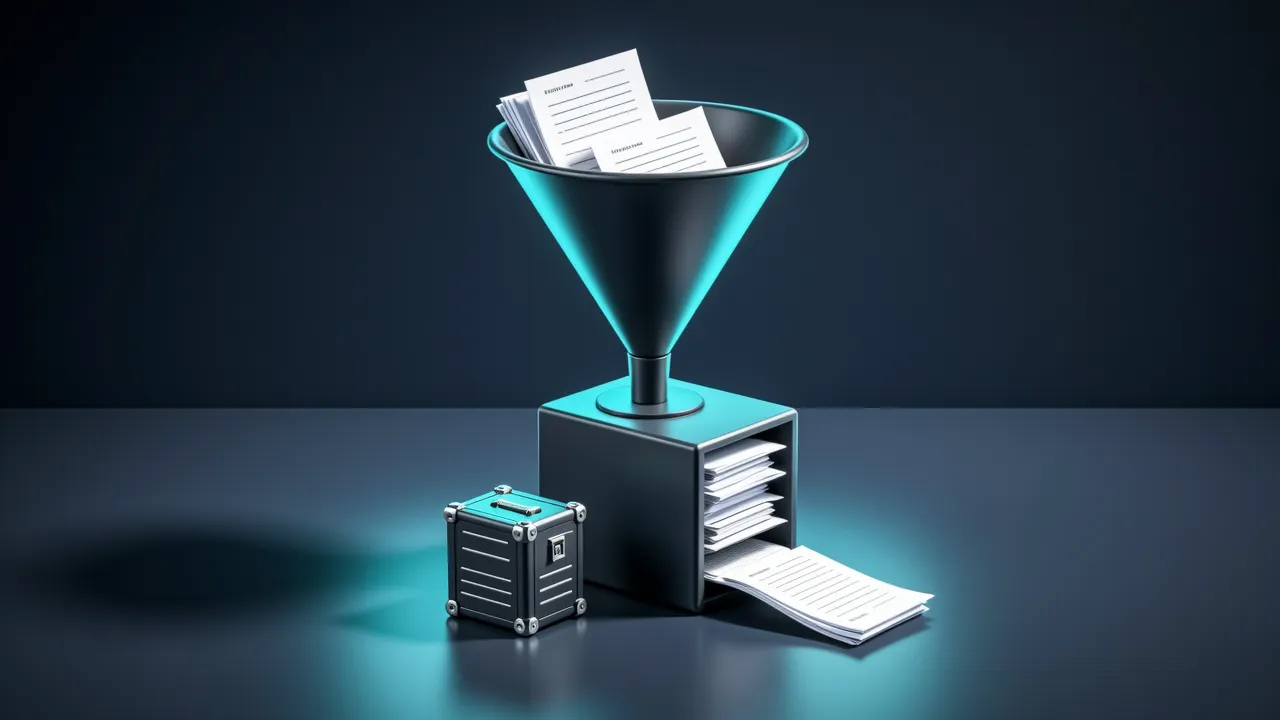
This guide is for readers who want a model to answer questions from their own documents. It walks through two routes: a knowledge base built in Dify's interface, and a short Python script built with LangChain. Both end with the same idea, a search over your text whose results are handed to the model.
What a RAG knowledge base does
Retrieval-augmented generation (RAG) means the system first searches your documents for relevant passages, then gives those passages to the model as context when it answers. Dify describes the mechanism this way: documents imported into a knowledge base are split into smaller segments called chunks, and when a user asks a question the system searches the chunks and passes the relevant ones to the LLM as context.[2]
Most of the work lies in three settings: how the text is cut, how the cut pieces are indexed, and how the search is run.
Route one: a knowledge base in Dify
Dify's path starts in the interface. Go to Knowledge > Create > Create a ready-to-use knowledge base. You can then import local files, sync from Notion or webpages, or create an empty knowledge base.[1] Next, configure the chunk settings and preview the chunking results, specify the index method and retrieval settings, and wait for data processing to finish.[1]
Chunking has two key parameters. Delimiter is the character or sequence where text is split, for example \n\n at paragraph breaks and \n at line breaks. Maximum chunk length is the largest size of a chunk in characters, and text beyond that limit is force-split whatever the delimiter says.[2]
Dify offers two chunk modes, General and Parent-child. The mode cannot be changed after the knowledge base is created, but the delimiter and maximum chunk length can be adjusted at any time.[2] In General mode all chunks share the same settings, and matched chunks are returned directly. In Parent-child mode the text is split into smaller child chunks and larger parent chunks, and when a child chunk matches a query, the entire parent chunk is returned.[2] General also supports chunk overlap. With a 50-character overlap, the last 50 characters of one chunk also appear as the first 50 of the next.[2] Dify's comparison table lists General as compatible with High Quality and Economical, and Parent-child with High Quality only.[2]
Before splitting, Dify can clean the text. It can replace runs of spaces, newlines and tabs, so that three or more consecutive newlines become two newlines and multiple spaces become one. It can also remove all URLs and email addresses. In Full Doc parent mode, only the first 10,000 tokens are processed, and anything beyond that is truncated.[2]
The index method decides how chunks become searchable. High-Quality uses an embedding model to convert each chunk into a vector. A knowledge base created with High Quality cannot switch to Economical later. Economical uses 10 keywords per chunk, consumes no tokens, supports only the TopK setting, and can be upgraded to High-Quality on the Knowledge settings page.[3]
With High-Quality, Dify offers three retrieval settings: Vector Search, Full-Text Search and Hybrid Search. Hybrid search runs full-text and vector search at the same time and then reorders the results. You can set weights without a Rerank model, or enable a Rerank model.[3] The Rerank model is disabled by default. Before enabling it, go to Integrations > Model Provider and configure its API key.[3] TopK defaults to 3 and sets how many of the most similar chunks are retrieved. Score Threshold defaults to 0.5 and sets the minimum similarity score. Both only take effect in the Rerank phase, so using either means adding and enabling a Rerank model.[3]
Once the knowledge base exists, the Retrieval Testing icon in the left sidebar simulates user queries. Retrieval settings changed there are temporary and apply only to the current test session.[10]
Upload limits depend on the plan. On Sandbox, Files per upload is 1 and Size per file is 15 MB. On Professional & Team, they are 50 files and 50 MB.[4] Images in JPG, JPEG, PNG and GIF format under 2 MB are extracted automatically as attachments to their chunks, and each chunk supports up to 10 image attachments.[4]
Route two: a short LangChain script
The LangChain route is code from start to finish. The install guide gives pip install -U langchain or uv add langchain, and notes that the package requires Python 3.10+. Provider integrations are installed separately, for example with pip install -U langchain-openai.[13]
pip install -U langchainThe tutorial reads a sample Nike 10-K PDF. It uses pypdf, which can be installed with pip install pypdf, conda install pypdf -c conda-forge or uv add pypdf.[12] pypdf.PdfReader yields 107 pages from that sample.[12] In LangChain, a Document has three attributes: page_content, a string with the content; metadata, a dictionary of arbitrary metadata; and an optional id string.[12]
Splitting is done with RecursiveCharacterTextSplitter, configured with chunk_size=1000, chunk_overlap=200, add_start_index=True. This setting produced 516 splits in the tutorial, and the tutorial calls it the recommended text splitter for generic text.[12] The minimal example looks like this:[12]
from langchain_text_splitters import RecursiveCharacterTextSplitter

text_splitter = RecursiveCharacterTextSplitter(
    chunk_size=1000, chunk_overlap=200, add_start_index=True
)
all_splits = text_splitter.split_documents(docs)

print(len(all_splits))
The splitter recursively splits on common separators such as newlines until each chunk reaches the target size. It can be installed alone with pip install -U langchain-text-splitters or uv add langchain-text-splitters.[14]
For embeddings, the tutorial installs pip install -U "langchain-openai" and creates OpenAIEmbeddings(model="text-embedding-3-large"). It then creates a store with InMemoryVectorStore(embeddings), imported from langchain_core.vectorstores, and indexes the chunks with ids = vector_store.add_documents(documents=all_splits).[12] A vector store exposes a unified interface with add_documents, delete and similarity_search.[16]
Finally, the store is wrapped as a retriever. as_retriever returns a VectorStoreRetriever, and its search_type can be "similarity" (the default), "mmr" (maximum marginal relevance) or "similarity_score_threshold".[12] The tutorial's example runs two questions against the store:[12]
retriever = vector_store.as_retriever(
    search_type="similarity",
    search_kwargs={"k": 1},
)

retriever.batch(
    [
        "How many distribution centers does Nike have in the US?",
        "When was Nike incorporated?",
    ],
)
Two later LangChain tutorials show the same pipeline inside an agent. The LangGraph custom RAG tutorial fetches web pages, splits them with RecursiveCharacterTextSplitter.from_tiktoken_encoder using chunk_size=100 and chunk_overlap=50, indexes them in an InMemoryVectorStore, and wraps the retriever as a tool with the @tool decorator.[17] The Deep Agents RAG tutorial follows four indexing steps (load, split, embed, store) with RecursiveCharacterTextSplitter(chunk_size=1000, chunk_overlap=200), and builds the agent with create_deep_agent.[18]
Which route to pick
Dify keeps chunking, indexing, retrieval and testing in one interface, and it manages uploads, quotas and rate limits for you. That suits a case where you want to adjust settings by clicking and do not want to write code. The LangChain route makes each step an explicit choice in code: you pick the loader, the splitter, the embedding model and the store yourself. That suits a case where the search has to live inside your own program. Both follow the same route through the pipeline: split, embed, store, retrieve.[12]
Limits and common problems
Dify's upload limit depends on the plan. On Sandbox, each upload is one file and each file can be 15 MB.[4]
Rate limits apply per workspace. Each workspace gets a limited number of knowledge base requests per minute. That limit is shared by classic and agent knowledge bases. Once a workspace has used its limit within any 60 seconds, its next knowledge base request is refused, and a Service API call returns 403 with the code forbidden.[5]
Storage is also shared. Every workspace has a document quota and a Knowledge Data Storage quota, and both classic and agent knowledge bases draw on them. Documents indexed with High Quality store a vector for each chunk, while Economical documents use keyword indexing that does not count toward knowledge data storage.[6]
The index method is one-way. A High Quality knowledge base cannot move back to Economical, so decide before you import a large set of files.[3]
On the LangChain side, the common PDF loaders PyPDFLoader, PyMuPDFLoader, PDFMinerLoader and PDFPlumberLoader live in the langchain-community package. That package is unmaintained, and the loader page says these loaders should no longer be used.[15]
Next steps
The Dify route continues with the creation guide, which covers each step in the knowledge base flow.[1] For the retrieval options, read the Retrieval Settings page.[7] For the LangChain route, the semantic search tutorial is the direct path, and the vector store integrations page lists the stores you can swap in.[12][16]
Sources
- 1Create a Ready-to-Use Knowledge BaseDify (Cloud Docs)
- 2Configure the Chunk SettingsDify (Cloud Docs)
- 3Specify the Index Method and Retrieval SettingsDify (Cloud Docs)
- 4Upload Local FilesDify (Cloud Docs)
- 5Knowledge Request Rate LimitDify (Cloud Docs)
- 6Knowledge Storage and Document QuotasDify (Cloud Docs)
- 7Retrieval SettingsDify (Cloud Docs)
- 8KnowledgeDify (Cloud Docs)
- 9Classic Knowledge BaseDify (Cloud Docs)
- 10Test Knowledge RetrievalDify (Cloud Docs)
- 11Create Document by FileDify (Service API Reference)
- 12Build a semantic search engine with LangChainLangChain (Python Docs)
- 13Install LangChainLangChain (Python Docs)
- 14Text splitter integrationsLangChain (Python Docs)
- 15Document loader integrationsLangChain (Python Docs)
- 16Vector store integrationsLangChain (Python Docs)
- 17Build a custom RAG agent with LangGraphLangChain (Python Docs)
- 18Retrieval Augmented Generation (RAG) with Deep AgentsLangChain (Python Docs)
- 19LangChain READMElangchain-ai (GitHub)
Cite this page: Building a RAG knowledge base. TellWorld, https://www.tellworld.net/practice/practice-rag-knowledge-base. Updated 2026-11-14