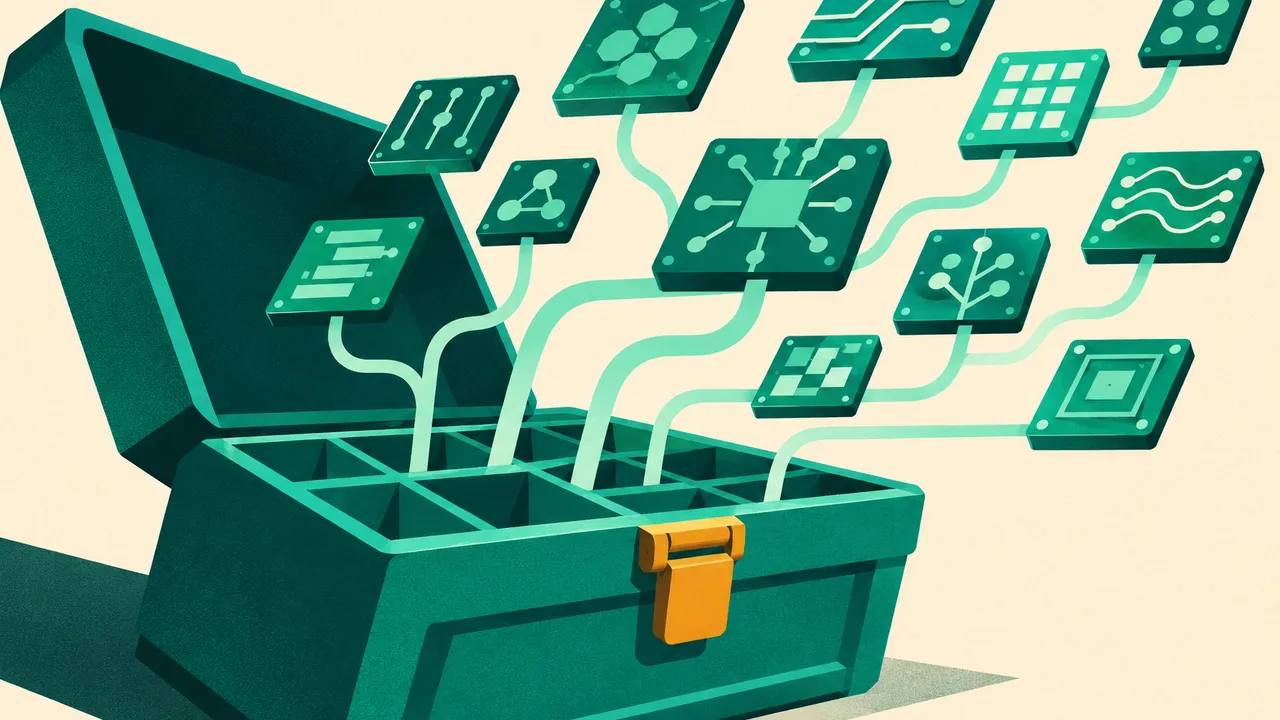
llama.cpp occupies a unique position among inference frameworks: a plain C/C++ implementation with zero dependencies under the MIT license, aiming for minimal setup and state-of-the-art performance across the widest range of hardware — from local laptops to cloud servers [1]. This page walks the shortest path through installation, compilation, model execution, and serving.
Why C/C++
Zero dependencies is the founding principle: no Python environment, no CUDA stack, just compiled executables. The hardware coverage tells the story [1]: x86 rides AVX, AVX2, AVX512, and AMX; RISC-V rides the RVV family; Apple Silicon is a first-class citizen optimized through ARM NEON, Accelerate, and Metal. On the GPU side there are custom CUDA kernels, AMD via HIP, Moore Threads via MUSA, plus general Vulkan and SYCL backends. The backend matrix stretches from Nvidia, Apple, AMD, and Intel to Huawei Ascend NPUs, Snapdragon, and IBM mainframes [1].
The other weapon is quantization: integer levels from 1.5-bit to 8-bit make inference faster and memory footprints smaller [1]. And when VRAM cannot hold the whole model, CPU+GPU hybrid inference offloads the excess to system memory [1]. The whole project builds on the ggml library [1].
Installation and the first command
Five install routes exist: one-line scripts, the llama.app website, Docker, pre-built binaries from the releases page, or building from source [1]. The script route is easiest [1]:
# curl
curl -LsSf https://llama.app/install.sh | sh

# powershell
irm https://llama.app/install.ps1 | iex
After installation, one command fetches a GGUF model from Hugging Face and opens an interactive session, and a sibling command starts an OpenAI-compatible API server [1]:
# Download and run a model directly from Hugging Face
llama cli -hf ggml-org/Qwen3.5-0.8B-GGUF

# Launch OpenAI-compatible API server
llama serve -hf ggml-org/Qwen3.5-0.8B-GGUF
The cli subcommand handles interactive chat; the serve subcommand exposes an OpenAI-protocol API — with a built-in web UI reachable from the browser. The -hf usage compresses finding, downloading, and running into one step where the model name is just the Hugging Face repo ID. The toolbox also includes completion and GBNF grammar-constraint components [1].
Building from source
Backend customization requires a local build. The main product is the llama library with a C-style interface in include/llama.h, and the repo carries everything from minimal snippets to a full OpenAI-compatible HTTP server sub-project [2]. Get the code first [2]:
git clone https://github.com/ggml-org/llama.cpp
cd llama.cpp
The CPU build is a standard CMake flow [2]:
cmake -B build
cmake --build build --config Release
Three levers speed up compilation: the -j flag for parallel jobs (say -j 8), generators that parallelize automatically like Ninja, and ccache for repeated builds [2]. Debug builds split by generator type — single-config generators ignore --config and need -DCMAKE_BUILD_TYPE=Debug [2]:
cmake -B build -DCMAKE_BUILD_TYPE=Debug
cmake --build build
Static linking adds -DBUILD_SHARED_LIBS=OFF [2]:
cmake -B build -DBUILD_SHARED_LIBS=OFF
cmake --build build --config Release
On Windows, use MSVC or clang with Visual Studio 2022 — at minimum the C++ desktop workload and CMake tools; Windows on ARM builds through the arm64-windows-llvm-release preset with -D GGML_OPENMP_FETCH=ON, which also works when cross-compiling from x64 [2]. HTTPS features require OpenSSL development libraries — libssl-dev on Debian/Ubuntu, openssl-devel on Fedora-family — though the project builds and runs without SSL support if skipped [2].
Backend compile flags
A BLAS build speeds up prompt processing only at batch sizes above 32 (default 512) and does not touch generation speed; Accelerate ships enabled by default on Macs, while OpenBLAS is CPU-only [2]. Metal is on by default in macOS builds and runs computation on the GPU; -DGGML_METAL=OFF turns it off at compile time, and --n-gpu-layers 0 forces CPU at runtime [2]. The SYCL backend targets Intel GPUs: Data Center Max, Flex, Arc series, built-in GPUs, and iGPUs [2].
NVIDIA cards are the main event, with the CUDA toolkit as the prerequisite [2]:
cmake -B build -DGGML_CUDA=ON
cmake --build build --config Release
A CCCL version can be pinned with -DGGML_CUDA_CCCL_VERSION; CUB DeviceTopK requires CCCL 3.4.3 or newer, with older versions falling back to sort [2].
Where it fits
The final positioning: llama.cpp does not chase cluster-scale throughput — it perfects the goal of running a model on any device. CPU-only servers, older Macs, domestic GPUs, even phones all have a backend. GGUF quantization lets model size track the hardware budget, a 7B model at 4-bit fitting in a few gigabytes. For high-concurrency production serving, vLLM remains the better pick; for running locally on constrained hardware or for understanding how an inference engine works from the inside, llama.cpp is the right choice. The documentation carries dedicated pages for Docker, multi-GPU, and performance troubleshooting [1] when needed.
Adapted from the llama.cpp repository README and build documentation[1][2], released under the MIT License.
Sources
- 1llama.cpp READMEllama.cpp (MIT)
- 2Build llama.cpp locally | llama.cpp docsllama.cpp (MIT)
Cite this page: Getting started with llama.cpp. TellWorld, https://www.tellworld.net/practice/practice-llama-cpp-quickstart. Updated 2026-11-14