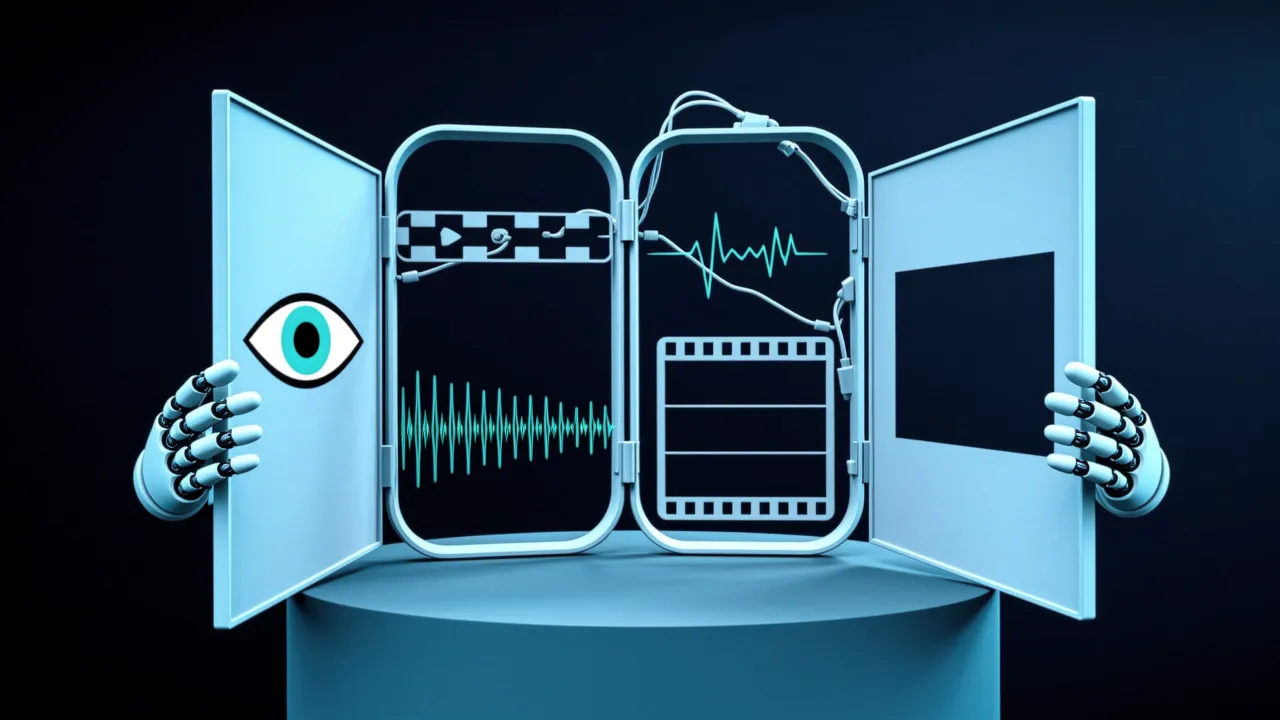
Agents that read text are everywhere; agents that see are still rare — yet real tasks like web browsing and document understanding cannot avoid analyzing visual content. smolagents gives agents eyes by natively supporting vision-language models (VLMs): images can arrive with the task, or be injected mid-execution [1].
Images up front: task_images
The first approach passes images at the start of execution, stored as task_images alongside the task prompt, and the agent references them throughout its run. The scenario is identity verification: a photo library from previous parties exists, a new visitor arrives, and the agent compares the photo before deciding whether to let them in.
Fetch the images first:
from PIL import Image
import requests
from io import BytesIO

image_urls = [
    "https://upload.wikimedia.org/wikipedia/commons/e/e8/The_Joker_at_Wax_Museum_Plus.jpg", # Joker image
    "https://upload.wikimedia.org/wikipedia/en/9/98/Joker_%28DC_Comics_character%29.jpg" # Joker image
]

images = []
for url in image_urls:
    headers = {
        "User-Agent": "Mozilla/5.0 (Windows NT 10.0; Win64; x64) AppleWebKit/537.36 (KHTML, like Gecko) Chrome/114.0.0.0 Safari/537.36"
    }
    response = requests.get(url,headers=headers)
    image = Image.open(BytesIO(response.content)).convert("RGB")
    images.append(image)
Then let the agent look:
from smolagents import CodeAgent, OpenAIServerModel

model = OpenAIServerModel(model_id="gpt-4o")

# Instantiate the agent
agent = CodeAgent(
    tools=[],
    model=model,
    max_steps=20,
    verbosity_level=2
)

response = agent.run(
    """
    Describe the costume and makeup that the comic character in these photos is wearing and return the description.
    Tell me if the guest is The Joker or Wonder Woman.
    """,
    images=images
)
The run returns a structured description plus a verdict (wording can vary between runs):
    {
        'Costume and Makeup - First Image': (
            'Purple coat and a purple silk-like cravat or tie over a mustard-yellow shirt.',
            'White face paint with exaggerated features, dark eyebrows, blue eye makeup, red lips forming a wide smile.'
        ),
        'Costume and Makeup - Second Image': (
            'Dark suit with a flower on the lapel, holding a playing card.',
            'Pale skin, green hair, very red lips with an exaggerated grin.'
        ),
        'Character Identity': 'This character resembles known depictions of The Joker from comic book media.'
    }
The verdict settles it: the visitor dressed as Wonder Woman is actually The Joker. Keeping appearance descriptions separate from the identity conclusion makes it trivial for a program to read the "Character Identity" field and drive an access-control decision.
Watching while working: dynamic observation_images
What about guests missing from the database? Let the agent fetch images and details from the web itself — images are added to the agent's memory dynamically during execution.
The scaffolding matters here: agents in smolagents are based on the MultiStepAgent class, an abstraction of the ReAct framework, running a structured cycle where different stages log different content — SystemPromptStep stores the system prompt, TaskStep logs the user query and inputs, ActionStep captures action and result logs. While browsing, the agent takes screenshots and saves them as observation_images in the ActionStep [1].
Install the dependencies:
pip install "smolagents[all]" helium selenium python-dotenvThe agent needs browsing tools that act like a person:
@tool
def search_item_ctrl_f(text: str, nth_result: int = 1) -> str:
    """
    Searches for text on the current page via Ctrl + F and jumps to the nth occurrence.
    Args:
        text: The text to search for
        nth_result: Which occurrence to jump to (default: 1)
    """
    elements = driver.find_elements(By.XPATH, f"//*[contains(text(), '{text}')]")
    if nth_result > len(elements):
        raise Exception(f"Match n°{nth_result} not found (only {len(elements)} matches found)")
    result = f"Found {len(elements)} matches for '{text}'."
    elem = elements[nth_result - 1]
    driver.execute_script("arguments[0].scrollIntoView(true);", elem)
    result += f"Focused on element {nth_result} of {len(elements)}"
    return result


@tool
def go_back() -> None:
    """Goes back to previous page."""
    driver.back()


@tool
def close_popups() -> str:
    """
    Closes any visible modal or pop-up on the page. Use this to dismiss pop-up windows! This does not work on cookie consent banners.
    """
    webdriver.ActionChains(driver).send_keys(Keys.ESCAPE).perform()
The screenshot function is the lifeline of a VLM browsing agent:
def save_screenshot(step_log: ActionStep, agent: CodeAgent) -> None:
    sleep(1.0)  # Let JavaScript animations happen before taking the screenshot
    driver = helium.get_driver()
    current_step = step_log.step_number
    if driver is not None:
        for step_logs in agent.logs:  # Remove previous screenshots from logs for lean processing
            if isinstance(step_log, ActionStep) and step_log.step_number <= current_step - 2:
                step_logs.observations_images = None
        png_bytes = driver.get_screenshot_as_png()
        image = Image.open(BytesIO(png_bytes))
        print(f"Captured a browser screenshot: {image.size} pixels")
        step_log.observations_images = [image.copy()]  # Create a copy to ensure it persists, important!

    # Update observations with current URL
    url_info = f"Current url: {driver.current_url}"
    step_log.observations = url_info if step_logs.observations is None else step_log.observations + "\n" + url_info
    return
It is attached as a step_callback, triggered at the end of every execution step. Two details deserve attention: the screenshot is stored as image.copy() — the browser's next frame overwrites the buffer, so without a copy the observation goes stale; and screenshots older than two steps are cleared, because images are token-heavy and an unpruned history quickly floods the input.
Assemble and run:
from smolagents import CodeAgent, OpenAIServerModel, DuckDuckGoSearchTool
model = OpenAIServerModel(model_id="gpt-4o")

agent = CodeAgent(
    tools=[DuckDuckGoSearchTool(), go_back, close_popups, search_item_ctrl_f],
    model=model,
    additional_authorized_imports=["helium"],
    step_callbacks=[save_screenshot],
    max_steps=20,
    verbosity_level=2,
)
agent.run("""
I am Alfred, the butler of Wayne Manor, responsible for verifying the identity of guests at party. A superhero has arrived at the entrance claiming to be Wonder Woman, but I need to confirm if she is who she says she is.
Please search for images of Wonder Woman and generate a detailed visual description based on those images. Additionally, navigate to Wikipedia to gather key details about her appearance. With this information, I can determine whether to grant her access to the event.
""" + helium_instructions)The task prompt appends helium_instructions, a special prompt aimed at controlling the agent's navigation so it follows the correct steps while browsing. The final output:
Final answer: Wonder Woman is typically depicted wearing a red and gold bustier, blue shorts or skirt with white stars, a golden tiara, silver bracelets, and a golden Lasso of Truth. She is Princess Diana of Themyscira, known as Diana Prince in the world of men.Choosing between the two modes
Images up front fit verification-style tasks with known inputs — comparing against a photo library, reviewing fixed documents. Dynamic injection fits open-ended tasks — the pages worth seeing are unknown before execution, so the agent captures them along the way. The price of the second mode is context management: images are token-heavy, and keeping only the two most recent screenshots is a standard cost-control move.
Combine a VLM with browser automation and page interactions become agent actions: Ctrl+F-style text search, going back, dismissing pop-ups. That is the basic shape of computer-use agents — seeing the screen, driving real controls. Hand the deterministic parts (navigation, search) to tools, leave genuine visual judgment (whose face is this) to the model, and the system stays predictable.
A quiet design choice makes the verification loop reliable: the model output is shaped to be parseable, with descriptions and the identity verdict in separate fields, so downstream logic can act on the verdict without understanding prose. The engineering value of a vision agent lies not in seeing but in turning what is seen into an actionable decision.
Adapted from the "Vision Agents with smolagents" section of Hugging Face's agents-course[1], released under the Apache-2.0 License.
[1]: Vision Agents with smolagents | Hugging Face Agents Course
Sources
- 1Vision Agents with smolagents | Hugging Face Agents CourseHugging Face agents-course (Apache-2.0)
Cite this page: Vision Agents with smolagents. TellWorld, https://www.tellworld.net/practice/practice-smolagents-vision. Updated 2026-11-14