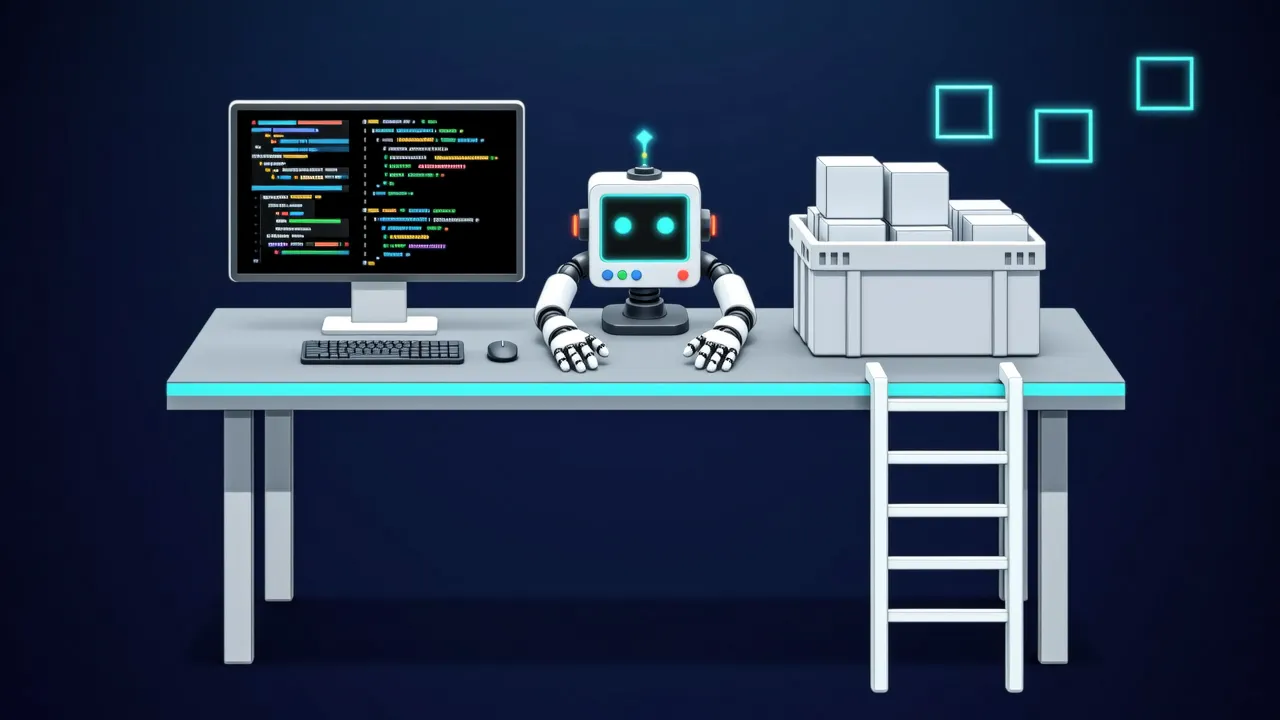
Agent frameworks wrap the loop, the parsing, and the retries — and hide the mechanics. To see what an agent really is, strip the framework away and hand-write one: a Python function as the tool, a serverless API as the brain, and every piece of loop logic assembled by hand [1]. This style is not for production, but it is the best starting point for understanding how agents actually work [1].
The brain: serverless inference
The Hugging Face Serverless API runs inference across many models with no installation or deployment; a read token and one client suffice [1]:
import os
from huggingface_hub import InferenceClient

## You need a token from https://hf.co/settings/tokens, ensure that you select 'read' as the token type.
## If you run this on Google Colab, add it in the "Secrets" tab (key icon on the left sidebar) and call it "HF_TOKEN".
try:
    from google.colab import userdata
    HF_TOKEN = userdata.get("HF_TOKEN")
except ImportError:
    HF_TOKEN = os.environ.get("HF_TOKEN")

client = InferenceClient(model="moonshotai/Kimi-K2.5", token=HF_TOKEN)
Calls always go through the chat method, which applies chat templates for you and makes model switches painless [1]:
output = client.chat.completions.create(
    messages=[
        {"role": "user", "content": "The capital of France is"},
    ],
    stream=False,
    max_tokens=1024,
    extra_body={'thinking': {'type': 'disabled'}},
)
print(output.choices[0].message.content)
The heart: one system prompt
The core of any agent library is appending information to the system prompt. An agent's system prompt adds two things over ordinary chat: tool descriptions and cycle rules — the fixed rhythm of Thought → Action → Observation [1]:
SYSTEM_PROMPT = """Answer the following questions as best you can. You have access to the following tools:

get_weather: Get the current weather in a given location

The way you use the tools is by specifying a json blob.
Specifically, this json should have an `action` key (with the name of the tool to use) and an `action_input` key (with the input to the tool going here).

The only values that should be in the "action" field are:
get_weather: Get the current weather in a given location, args: {"location": {"type": "string"}}
example use :

{{
  "action": "get_weather",
  "action_input": {"location": "New York"}
}}


ALWAYS use the following format:

Question: the input question you must answer
Thought: you should always think about one action to take. Only one action at a time in this format:
Action:

$JSON_BLOB (inside markdown cell)

Observation: the result of the action. This Observation is unique, complete, and the source of truth.
... (this Thought/Action/Observation can repeat N times, you should take several steps when needed. The $JSON_BLOB must be formatted as markdown and only use a SINGLE action at a time.)

You must always end your output with the following format:

Thought: I now know the final answer
Final Answer: the final answer to the original input question

Now begin! Reminder to ALWAYS use the exact characters `Final Answer:` when you provide a definitive answer. """
Read closely, every sentence plugs a hole: tools are invoked via a JSON blob whose action field only accepts listed tool names; one Action per step; the Thought/Action/Observation cycle may repeat N times; and the output must end in a fixed Final Answer format — with the literal characters emphasized, because the client detects loop termination by that string [1].
The user question appends after the system prompt, handled inside the chat method [1]:
messages = [
    {"role": "system", "content": SYSTEM_PROMPT},
    {"role": "user", "content": "What's the weather in London?"},
]

print(messages)
First call: meeting the hallucination
Calling directly, the model produces a textbook answer [1]:
output = client.chat.completions.create(
    messages=messages,
    stream=False,
    max_tokens=200,
    extra_body={'thinking': {'type': 'disabled'}},
)
print(output.choices[0].message.content)
The output contains a Thought, an Action JSON blob, and then an Observation: London, partly cloudy, 12°C — except the get_weather function never ran. The model staged the entire play itself: it invented the tool call and fabricated the tool result. This is the classic agent-development hallucination: observations must come from the real world, and the model will happily counterfeit them [1].
The fix is cutting generation before Observation: — the stop parameter set to that string leaves the model producing only Thought and Action, the function executes for real on the client, and the real output re-enters as the Observation [1]:
# The answer was hallucinated by the model. We need to stop to actually execute the function!
output = client.chat.completions.create(
    messages=messages,
    max_tokens=150,
    stop=["Observation:"], # Let's stop before any actual function is called
    extra_body={'thinking': {'type': 'disabled'}},
)

print(output.choices[0].message.content)
This time the output stops cleanly at the Action JSON blob, and the hallucination never gets a stage [1].
Round two: real results back in
A placeholder weather function stands in — in a real setting this would call an actual API [1]:
# Dummy function
def get_weather(location):
    return f"the weather in {location} is sunny with low temperatures. \n"

get_weather('London')
The second call assembles four pieces into the message list: the system prompt, the user question, the model's truncated output (with the Observation: prefix restored), and the function's genuine return value as the Observation [1]:
messages=[
    {"role": "system", "content": SYSTEM_PROMPT},
    {"role": "user", "content": "What's the weather in London ?"},
    {"role": "assistant", "content": output.choices[0].message.content + "Observation:\n" + get_weather('London')},
]

output = client.chat.completions.create(
    messages=messages,
    stream=False,
    max_tokens=200,
    extra_body={'thinking': {'type': 'disabled'}},
)

print(output.choices[0].message.content)
Reading the real Observation, the model closes in the mandated format: Final Answer: The weather in London is sunny with low temperatures. [1]
The essence of the loop
Unrolled, the agent mechanism is a three-step cycle: the model emits Thought and Action, the client truncates at Observation: and executes the real function, the result rejoins the message list and the model is called again — repeating until a Final Answer appears [1]. This minimal implementation exposes everything frameworks do for you: parsing JSON blobs, dispatching function calls, maintaining the message list, deciding loop termination, handling format drift. Hand-writing it once means that later, reading smolagents or LangGraph source, every layer of abstraction maps onto a block you personally assembled [1].
Frameworks are not magic — they write the same loop more robustly: retries on parse errors, parallel tool calls, structured tool registration. But the loop's skeleton — truncate, execute, re-insert, continue — is identical to the hand-written version [1].
Adapted from the Dummy Agent Library section of the Hugging Face Agents Course[1], released under the Apache-2.0 License.
Sources
- 1Dummy Agent Library | Hugging Face Agents CourseHugging Face agents-course (Apache-2.0)
Cite this page: Building an agent without a framework. TellWorld, https://www.tellworld.net/practice/practice-agent-dummy-library. Updated 2026-11-14