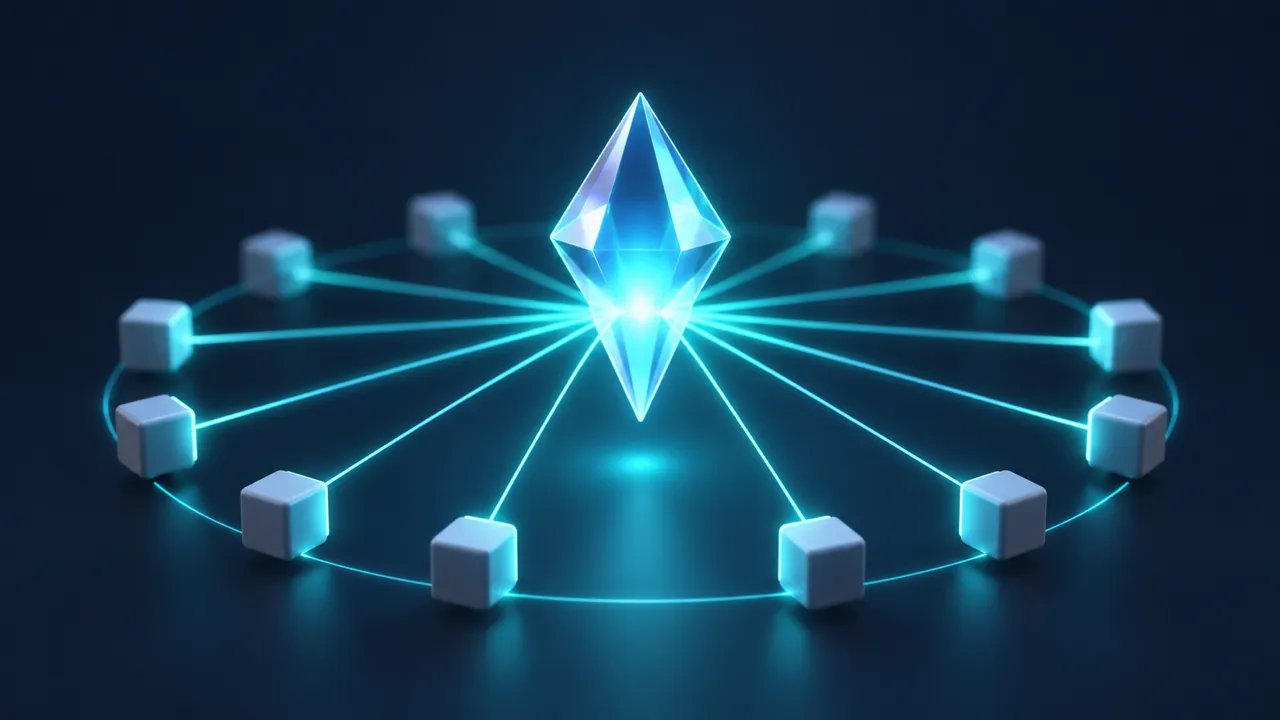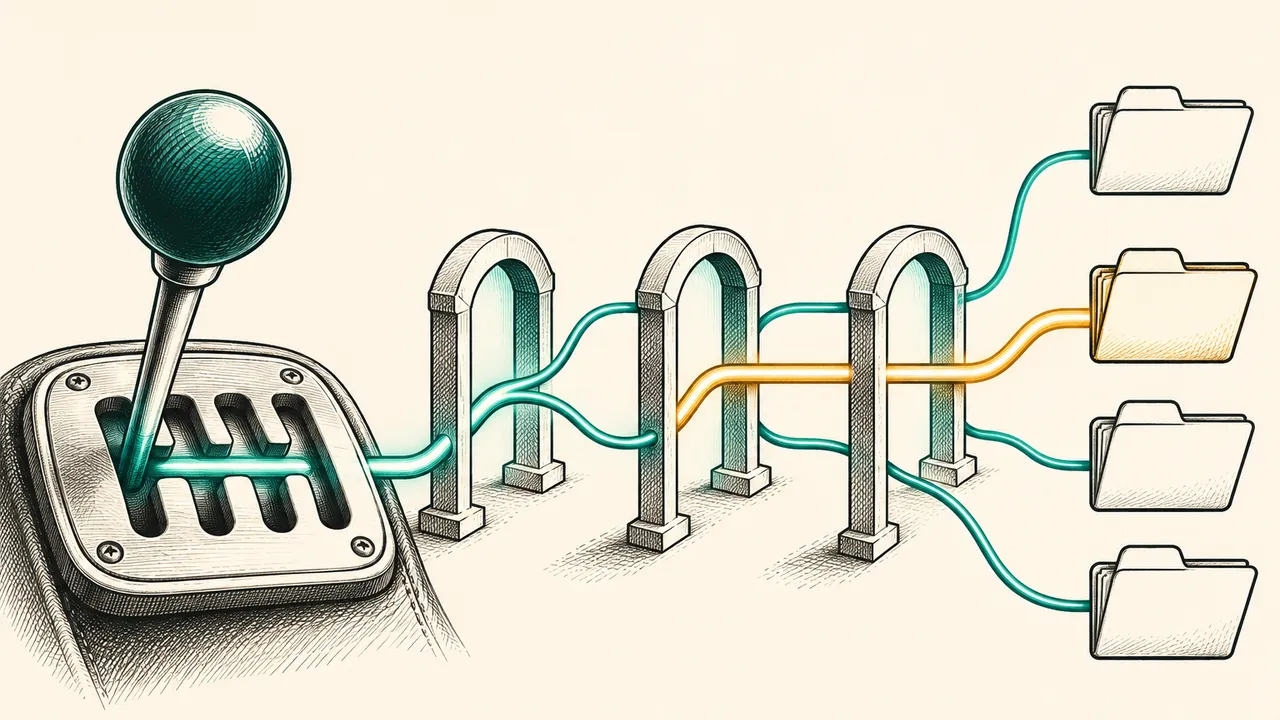
If you are starting a new Gemini project, or moving an existing generateContent integration over, this guide covers the first Interactions API call, how server-side state works, how long data is kept, which settings do not carry over between turns, and when stateless mode is the better choice.
What the Interactions API is
The Interactions API became Generally Available in June 2026, and Google recommends it for new projects. The earlier generateContent interface is considered legacy, but it remains fully supported [1]. The Interactions API adds three things: optional server-side state, through which previous_interaction_id continues a conversation; observable execution steps for debugging and interface rendering; and background execution for long tasks with background=true [1].
Its core resource is the Interaction. One Interaction covers a complete turn or task and holds a chronological list of execution steps. Those steps include model thoughts, tool calls and their results such as function_call and function_result, and the final model_output [1]. The response from interactions.create contains only model-generated steps, while interactions.get also returns the user_input steps [1].
Steps are most useful for debugging. When an answer looks wrong, you can read the steps in order to see whether the model thought first, called a tool, or went straight to a conclusion, instead of reading only the final text. In an interface, the same steps let you show tool calls and their results in sequence [1].
Your first request
The Python example below creates an Interaction from a model and an input string, then prints output_text [1]:
from google import genai

client = genai.Client()

interaction = client.interactions.create(
    model="gemini-4-hydrogen",
    input="Tell me a short story about a time-traveling lighthouse."
)

print(interaction.output_text)
SDK versions matter. The Python google-genai package and the JavaScript @google/genai package need version 2.3.0 or later. Go uses google.golang.org/genai, and Java uses com.google.genai:google-genai [1].
Gemini 4 Neon is in the supported model list under the ID gemini-4-neon, next to Gemini 4 Carbon, Argon and Hydrogen [1]. Google also says that new models and capabilities beyond the core family, as well as new agentic features and tools, are launching on this interface [1].
Multi-turn conversations with server-side state
Instead of resending the whole chat, pass the previous Interaction's ID in previous_interaction_id. The server loads the history from that ID, so you only send the new input [1]. In the example below, the first turn introduces a name and the second turn asks for it [1]:
from google import genai

client = genai.Client()

# 1. First turn
turn1 = client.interactions.create(
    model="gemini-4-hydrogen",
    input="Hi, my name is Phil."
)

# 2. Second turn (chained using previous_interaction_id)
turn2 = client.interactions.create(
    model="gemini-4-hydrogen",
    input="What is my name?",
    previous_interaction_id=turn1.id
)

print(turn2.output_text)
One pitfall: previous_interaction_id carries only the inputs and outputs of the conversation. tools, system_instruction and generation_config (including thinking_level and temperature) apply only to the current Interaction. Pass them again on every turn where you want them [1]. The benefit is that each turn can use its own tools and thinking level, for example a lower level for early turns that gather information and a deeper level for the final answer. The cost is that your code must repeat those settings on every turn, or the tools will quietly disappear from later turns [1].
Stateless mode for data you do not want stored
By default the API stores every Interaction (store=true). Storage is what makes previous_interaction_id, background execution and execution logs possible. To opt out, set store=false and send the full conversation history in every request. That is stateless mode [1]. It suits workloads where the conversation must not stay on the server, such as internal material or private user sessions. The trade-off is that your program now owns the history: it has to store it, trim it as it grows, and send it again on every request, so each request carries more input as the conversation gets longer.
Two limits apply. store=false cannot be combined with background execution, and it stops you from chaining turns with previous_interaction_id [1]. Caching still works in stateless mode, because implicit caching is supported in both modes [1].
How long data is kept
Paid-tier projects keep interactions for 55 days. Free-tier projects keep them for 1 day [1]. Paid projects can set a retention window in AI Studio, choosing 7, 14, 28 or 55 days after which logs are marked for deletion. A shorter window can make older conversations impossible to retrieve [1].
You can delete an interaction earlier with the delete method, which needs its ID. Stored data is also deleted automatically once the retention period ends. The Logs page in AI Studio shows and manages the stored interactions [1].
Caching and mixing agents
Chaining turns with previous_interaction_id makes it easier for the system to reuse cached conversation history, which improves speed and lowers cost [1]. One conversation can also mix agents and models. For example, a Deep Research agent can collect material, and a standard Gemini model can then summarize or reformat it, with the two steps linked by previous_interaction_id [1]. Long conversations benefit most: each turn no longer resends the whole history, so cache hits are more likely, though you still need to specify tools and thinking levels again on each turn.
Before moving from generateContent
Before you migrate, list the parameters your current calls use, and separate the ones that belong to the conversation from the ones you must specify on every turn. Then decide whether the data may be stored on Google's side. If it may, keep the default stateful mode and let the server manage history. If it may not, use store=false with stateless mode, and keep the history on your side [1]. The main trade-off is that background execution and previous_interaction_id are unavailable once you opt out of storage [1].
Limits
- Remote MCP: Gemini 3 does not support it yet [1].
- Model compatibility: when a conversation switches models, the new model must accept the output types of the earlier ones. An image made by
gemini-3.1-flash-imagecannot be continued by a text-only model [1]. - Missing features: the Batch API and automatic function calling in Python are not yet available here. Explicit caching is also missing, although server-side implicit caching works through
previous_interaction_id[1].
Where to go next
New projects can start on this interface directly. Existing generateContent integrations are best moved one feature at a time, checking inputs, outputs and caching behavior before replacing the rest. The model and agent lists change over time, so check the official pages before you rely on a specific ID [1].
Sources
- 1Interactions APIGemini API docs
Cite this page: Getting started with the Gemini Interactions API. TellWorld, https://www.tellworld.net/practice/practice-gemini-interactions-api. Updated 2026-11-20