Who this is for and what you can do after reading
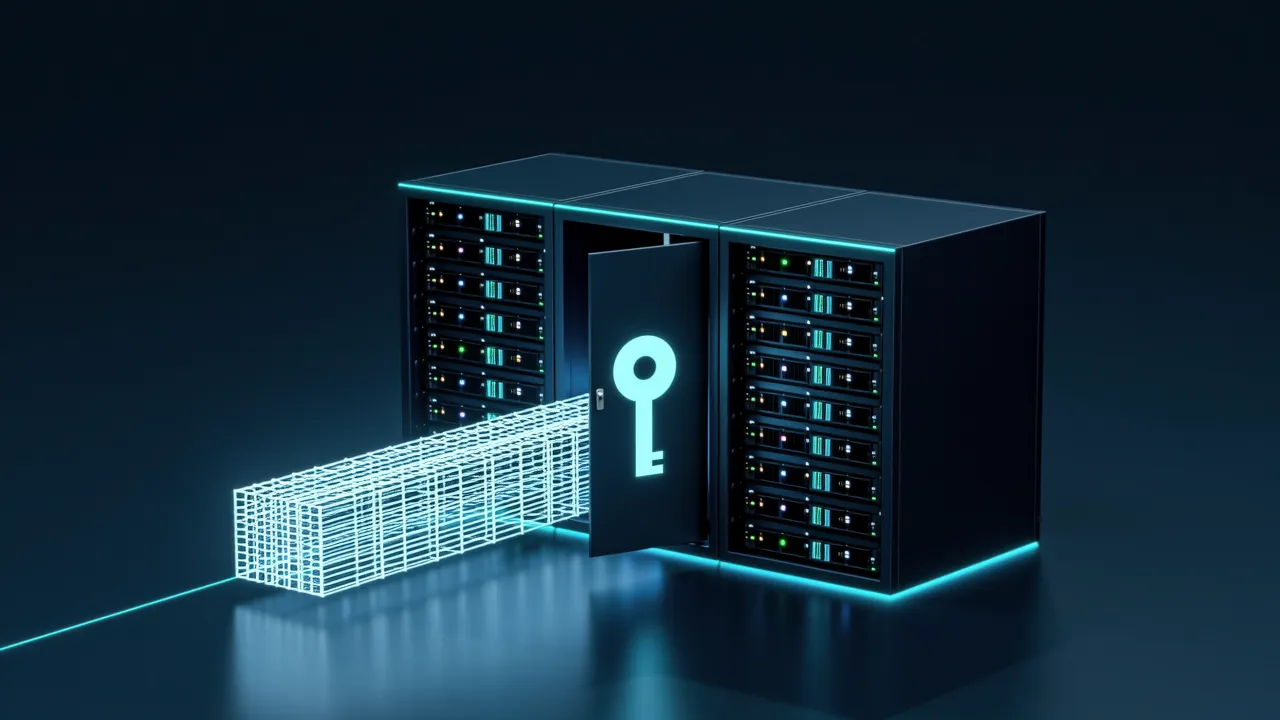
This guide is for developers who cannot send code or documents to the cloud, want to try local models, or simply want to avoid per-token bills. After reading, you should be able to install Microsoft Foundry Local on a regular workstation, run a Qwen model, let it call tools and search local documents, and decide when a task should go to a cloud model instead.[1]
Why run agents locally
Running locally has three advantages that come up constantly in engineering work:[1][2]
- Privacy: code and documents stay on the machine. No prompt, snippet or customer data crosses the network boundary.
- Cost: local inference has no per-token bill, so iterating all day costs only electricity.
- Offline use: on a plane, in a secure facility or during an outage, the agent still works.[1]
The trade-off is that a frontier cloud model is replaced by a Small Language Model (SLM) running on the CPU, GPU or NPU.
SLMs are good at structured, bounded tasks such as classifying, extracting and summarizing a known document. They are also good at tool calling, deciding which function to call and with what arguments, and at fast, cheap, private iteration on your own data. They are weaker at open-ended, multi-hop reasoning over large context and at broad world knowledge.[1]
The winning strategy is to let the SLM orchestrate and let tools do the heavy lifting. The model does not need to know the whole codebase. It needs to know when to call tools such as read_file and search_docs, which plays to its strengths.[1]
Foundry Local: an OpenAI-compatible endpoint on your machine
Microsoft Foundry Local is a lightweight runtime that downloads, manages and serves models entirely on your machine. Its key feature is an OpenAI-compatible HTTP endpoint. The OpenAI SDK and the Microsoft Agent Framework's OpenAI client work against it with only a change of base_url, so cloud agent code transfers directly and only the endpoint moves to localhost.[1]
Foundry Local also picks the build that fits your hardware: a CPU build, a CUDA/GPU build or an NPU build.[1]
Installing and starting the service
Install Foundry Local by following the documentation for your operating system.[2] Then download and run a Qwen model, and check the service:[1]
# Install (example; follow the docs for your platform)
winget install Microsoft.FoundryLocal      # Windows
# brew install microsoft/foundrylocal/foundrylocal   # macOS

# Download and run a Qwen model, then start the local service
foundry model run qwen2.5-7b-instruct
foundry service status
Once the service runs, you have a local OpenAI-compatible endpoint, typically http://localhost:PORT/v1.[1] The notebook uses the foundry-local-sdk to discover the endpoint, so the port does not have to be hard-coded.[1]
Why Qwen for local agents
An agent is only an agent if it can call tools. Many SLMs can chat but produce unreliable, malformed tool calls. Qwen models are trained for function calling and emit well-formed tool-call structures consistently, which turns a local chat model into a local agent.[1]
Local retrieval with Chroma
Document search is where local agents earn their keep. Rather than hoping the SLM has memorized a framework's docs, embed the docs in a local vector database and let the agent retrieve relevant chunks on demand. The example uses Chroma, an embedded vector store that runs in-process with no server to manage.[1]
The whole pipeline stays local: a local embedding model creates vectors, the vectors are stored on disk, retrieval happens locally, and a local SLM writes the answer. It is the same agentic RAG pattern, with every component running on your machine.[1]
Local MCP servers
MCP is a transport rather than a cloud service. An MCP server can run as a local process on stdio and expose tools to the agent over the standard protocol. That lets you reuse the ecosystem of MCP servers, such as those for filesystem access, git and database queries, entirely offline.[1]
The security posture is different but not absent. A local MCP server still runs with your user's permissions, so limit its scope to something like a project directory rather than your whole home folder, and treat its outputs as inputs to validate.[1]
Routing between local and cloud
Local-first does not mean local-only. A sensible design routes by sensitivity and difficulty:[1]
- Sensitive code or data, or offline work: the local SLM.
- Simple, bounded tasks: the local SLM, for speed and low cost.
- Hard multi-hop reasoning on non-sensitive data: a cloud model.
- When the cloud is unavailable: fall back to the local SLM, so the agent degrades in quality instead of failing outright.[1]
This is model routing with your own machine as one of the models.[1]
What the sample assistant does
The sample notebook builds an engineering assistant that runs entirely on a workstation. It can call tools through Qwen function calling, list and read files in a project directory, analyze source code, search a docs folder with local RAG over Chroma, and connect to a local MCP server.[1]
The notebook creates the client with FoundryLocalManager and the OpenAI SDK, passing the manager's endpoint as base_url along with a local placeholder API key. Each tool is an ordinary Python function scoped to a project directory. For example, read_file checks that the resolved path is inside the project root and returns an access-denied message otherwise.[1]
Limits and common questions
- For hardware, about 8 GB of RAM is a realistic minimum and 16 GB or more is comfortable. A GPU or NPU helps but is not required.[1]
- You need Python 3.12 or later, the packages in
requirements.txt, andfoundry-local-sdk,openaiandchromadb.[1] - Keep every tool inside a single project root. Even locally, a tool that can read arbitrary paths is a liability.[1]
- This guide covers architecture and routing, not the relative quality of models.
Where to go next
For installation details and the full product documentation, see the Microsoft Foundry Local documentation.[2]
Adapted from lesson 17 of Microsoft's open-source course *AI Agents for Beginners*[1], released under the MIT License.
Sources
- 1Creating Local AI Agents Using Microsoft Foundry Local and QwenMicrosoft ai-agents-for-beginners (MIT)
- 2Microsoft Foundry Local documentationMicrosoft Learn
Cite this page: Creating local AI agents. TellWorld, https://www.tellworld.net/practice/practice-local-ai-agents. Updated 2026-11-14