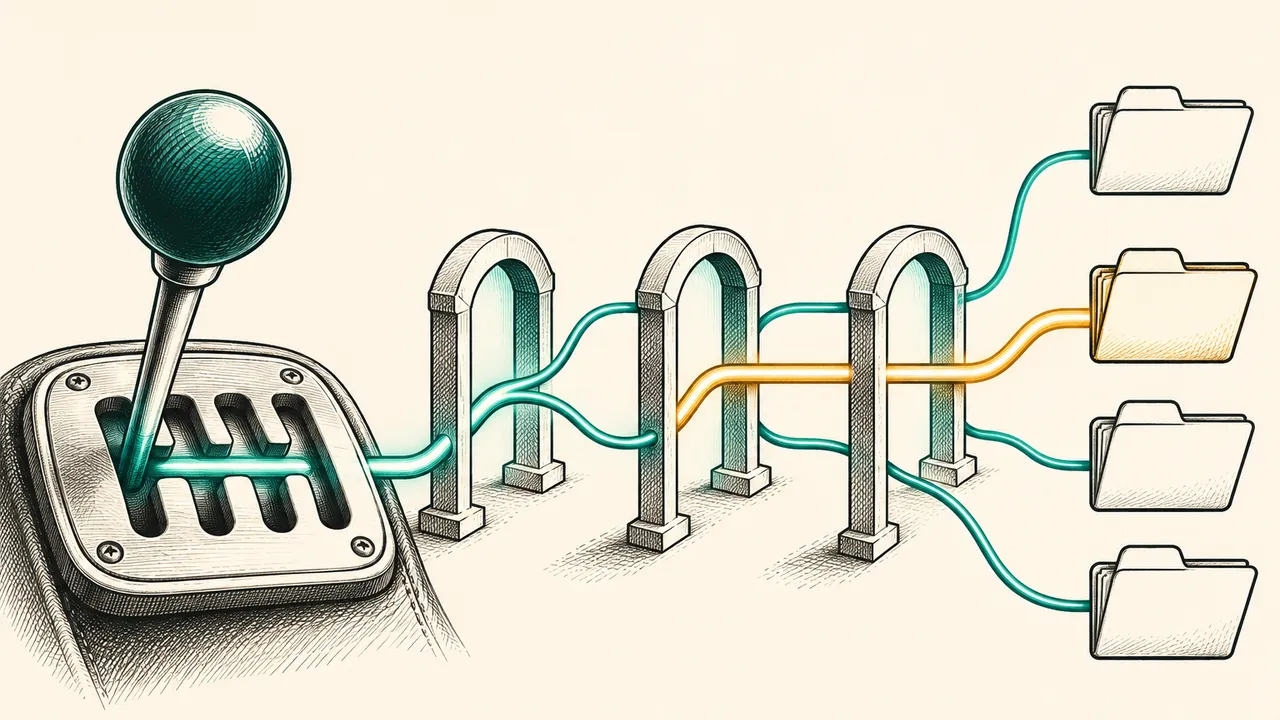
If your agent exposes dozens of function tools and sends all of them on every request, tool retrieval can keep most of them out of the context until the model needs one. This guide explains the two retrieval modes, how to defer tools, how to keep multi-turn and stateless conversations working, and which 400 errors to expect.
What tool retrieval solves
Tool retrieval lets Gemini search for and load tool schemas during a conversation, rather than receiving every tool definition up front [1]. A few dozen function declarations can use tens of thousands of tokens on every request, and model accuracy drops as the candidate list grows [1]. Retrieval keeps the active tool set small [1].
The feature is in preview. It requires the v1beta API version, and the API surface may change before general availability [1]. It works with the Interactions API only; generateContent does not support it [1].
Choosing a mode
There are three options. Static loading sends every schema on every request and suits fewer than about 20 stable tools. Server-side retrieval, the default, suits large but fixed libraries. Client-side retrieval suits proprietary registries, namespaces and per-user tool sets [1].
The difference is who runs the search. With server-side retrieval, Gemini searches your declared tools and loads the matching schemas itself. With client-side retrieval, your application runs the search and returns the matching schemas to the model [1]. For latency-sensitive apps, server-side retrieval is the better fit, because its searches run inside one API call. Each client-side search adds a round trip between the model and your application [1].
Server-side retrieval
Enable it in two steps. Add {"type": "tool_search"} to the tools array, then set defer_loading: true on each function tool to withhold. For a remote MCP server, set it on the mcp_server tool to defer every tool that server exposes [1].
At first the model sees only the name and description of each deferred tool, not its parameter schema. When it needs one, it emits a tool_search_call, receives a tool_search_result with the schema, and then emits the real function_call. All of these steps happen inside one API call. Your code executes the final function_call and returns a function_result as usual [1].
Remote MCP tools run on the server side. The API returns mcp_server_tool_call and mcp_server_tool_result steps in the same response, while your own functions still end in a function_call for you to run [1]. Look at the steps array rather than the status, because a function_call can appear when the status is not requires_action [1].
If a deferred tool has a long description, add short_description. The model uses it as a compact summary during retrieval, and the field is valid only together with defer_loading: true [1]:
{
  "type": "function",
  "name": "convert_currency",
  "description": "Convert an amount between currencies using live mid-market rates, with optional rounding and historical date lookup.",
  "short_description": "Convert an amount between currencies.",
  "defer_loading": true,
  "parameters": { ... }
}
Client-side retrieval
Client-side retrieval hands the search back to your application. Declare a tool_search tool with execution set to client, a name, a description and your own parameters schema. The description is required, because the model reads it to decide when to search [1].
The model calls the search tool like any other function. Your code runs its own retrieval and returns complete function declarations in function_result.result. The returned tools do not have to appear in the initial tools array, so you can add tools partway through a conversation, for example when a user connects a new integration [1]. A request can declare only one tool_search tool, so you cannot mix server-side and client-side search in one request [1].
Multi-turn conversations: resend the full tools array
Even when you chain turns with previous_interaction_id, the API does not carry tool declarations over. Each request must include the complete tools array: the tool_search entry, every deferred tool (including deferred MCP servers), and every tool that is not deferred [1].
If a later request leaves tools out, the model still knows the tools it used earlier and tends to keep calling them. It may also try to call functions that the request no longer declares [1]. The example below returns a function result in turn two and resends the same tools list from turn one:
# Turn 1 used tools=tools and returned a function_call step.
fc_step = next(s for s in interaction.steps if s.type == "function_call")

followup = client.interactions.create(
    model="gemini-4-hydrogen",
    previous_interaction_id=interaction.id,
    tools=tools,
    input=[
        {
            "type": "function_result",
            "name": fc_step.name,
            "call_id": fc_step.id,
            "result": [{"type": "text", "text": '{"amount": 92.4, "currency": "EUR"}'}],
        }
    ],
)
  print(followup.output_text)
Stateless conversations: replay retrieval steps unchanged
If you keep the history yourself with store=false, send every tool_search_call and tool_search_result step back exactly as received, with its signature field intact [1]. The tool_search_result step holds the loaded schemas, so dropping it means the model loses tools it already loaded [1]. Do not edit or reorder these steps, and keep them before the function_call that uses the tool [1].
If the history is missing these steps, the API returns a 400 error with a message saying that server-side tool call context must be circulated for deferred loading functions [1]. The error usually appears on the second call, not the first: the first search succeeds, and the request that sends the function_result fails [1].
Common errors
Beyond the context error, several 400 errors are easy to avoid [1]:
defer_loadingset without a server-sidetool_searchin the request.short_descriptionset on a function withoutdefer_loading: true.- A client-side
tool_searchmissing itsnameordescription. - A server-side
tool_searchthat setsname,descriptionorparameters. - A request that declares both server-side and client-side
tool_searchtools.
Cost
Tool retrieval has no separate charge. Tokens are billed at the input, cached and output rates of the model you call [1]. A deferred tool adds one line to the input, its name and short description, while its parameter schema is billed only after the model loads it. In early testing, a deferred tool came to about 26 tokens [1].
Each server-side search also runs another model call in the same request. That call carries the full context and the newly loaded schemas, and it is billed at the input rate. Whether retrieval saves money depends on your own traffic, so measure it [1].
Best practices
Keep the tools your agent uses on most turns loaded, and defer only the long tail. Do not defer any tool whose name appears in system instructions or in another tool's output, or the next request can fail with the context error [1]. Include the full parameters schema on every deferred function, because a tool with only a name and short description comes back from search with an empty schema that the model cannot call [1]. When services expose similar operations, prefix the function names, for example billing_get_customer and crm_get_customer, and name the service at the start of short_description [1]. Finally, tell the model in its system instructions when to search for a tool.
Where to go next
Before you build on it, confirm that your model supports deferred loading and test the flow on the Interactions API. Check model support and pricing on the official pages, since preview features change [1].
Sources
- 1Tool retrievalGemini API docs
Cite this page: Tool retrieval in the Gemini API: loading tool schemas on demand. TellWorld, https://www.tellworld.net/practice/practice-gemini-tool-retrieval. Updated 2026-11-20